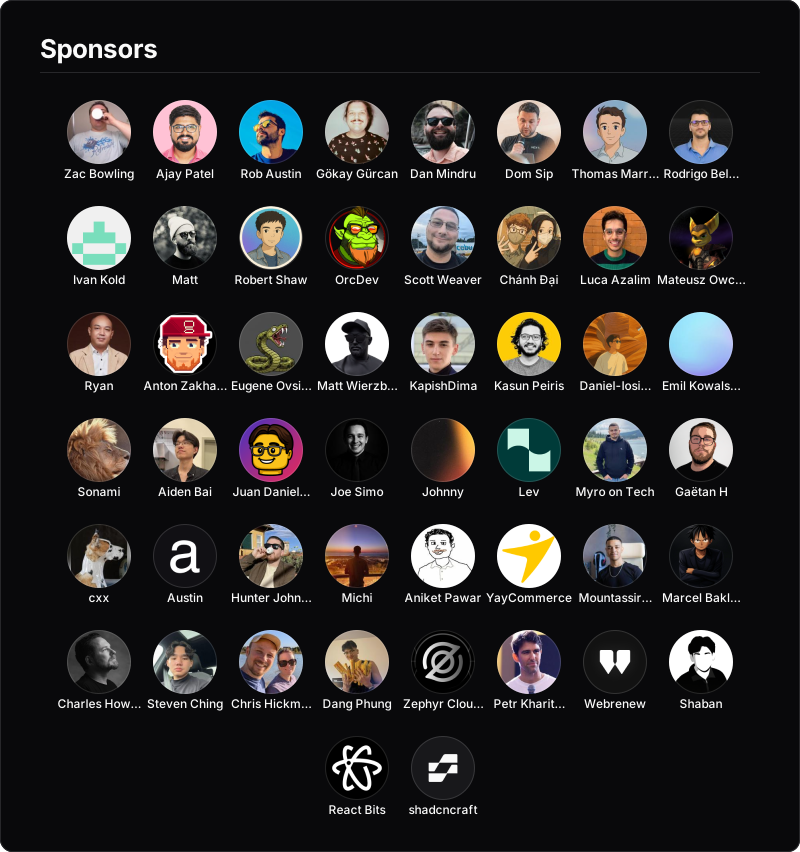
A grid of your account's active GitHub Sponsors — every public sponsor's avatar, rendered as one portable image for your README.
The sponsors image renders a grid of an account's active public GitHub Sponsors — their avatars, names, and links — as a single portable SVG (or PNG) served from shieldcn. Like headers and charts, everything is encoded in the image URL, so it works anywhere a Markdown image does and never needs a build step or a CI job.
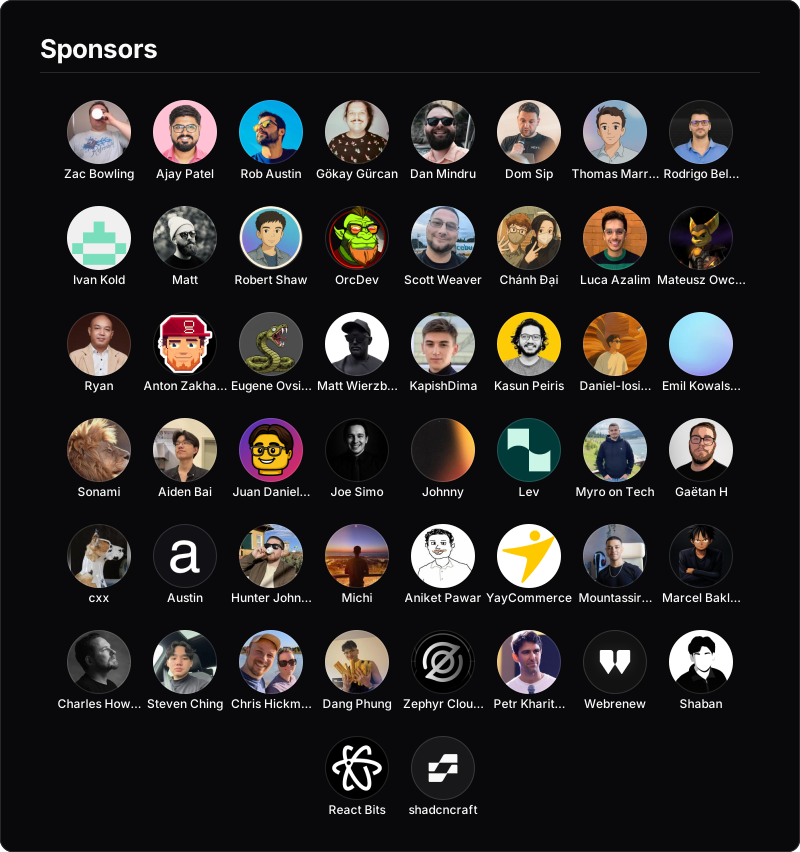The fastest way to make a sponsors image is the interactive generator. Enter a login, pin tiers, pick a background and theme, then copy the Markdown.
/sponsors/{login}.svg     SVG grid
/sponsors/{login}.png     PNG grid
/sponsors/{login}.json    resolved sponsor list (JSON)
{login} is any GitHub user or organization that has GitHub Sponsors enabled.
Drop it into your README with a Markdown image:
Or center it with an HTML block:
<p align="center">
  <a href="https://github.com/sponsors/shadcn">
    <img src="https://shieldcn.dev/sponsors/shadcn.svg" alt="Sponsors" />
  </a>
</p>By default, the top row is populated from your GitHub Sponsors "Featured sponsors" selection — the sponsors you hand-pick to highlight on your sponsors profile. shieldcn reads that public selection and renders it as a larger "Featured Sponsors" row automatically, with everyone else in the default "Sponsors" row. No configuration needed:
Manage which sponsors are featured from your GitHub Sponsors dashboard. Turn the
automatic tier off with ?featured=false.
GitHub only exposes sponsor dollar amounts to the sponsored account's own token, so amount-based tiers (e.g. by monthly value) aren't possible from a shared service — the public "Featured sponsors" selection is what's available.
To override the automatic tier, pin logins yourself:
special — a comma-separated list of logins shown larger, at the top, in
a "Special Sponsors" row (overrides the automatic featured tier).backers — a comma-separated list of logins shown smaller, at the
bottom, in a "Backers" row.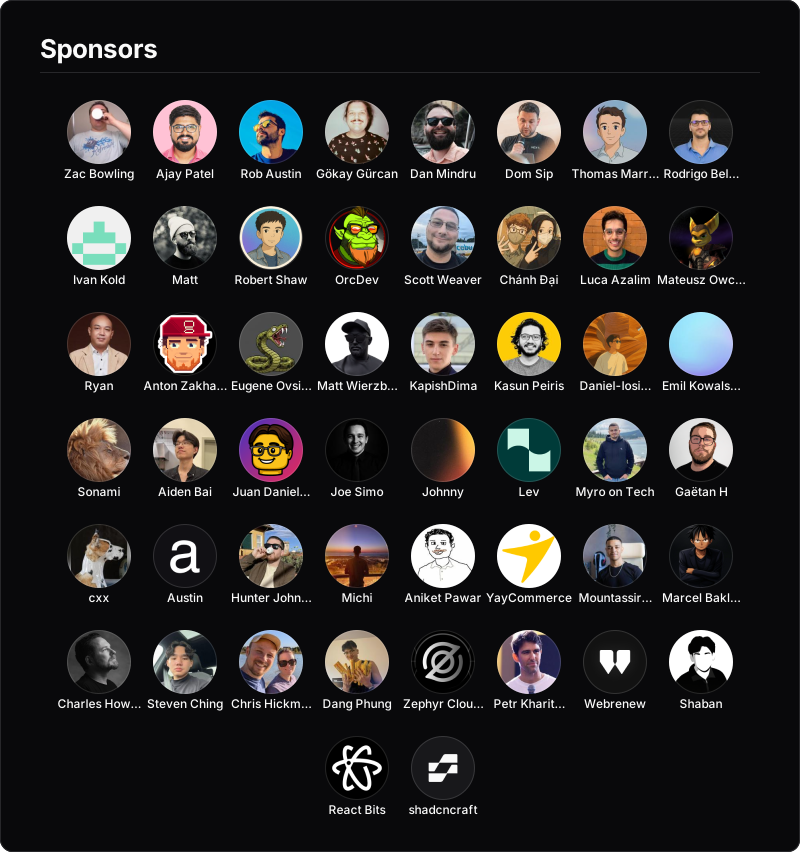vercel and clerk pinned into the Special Sponsors row
Rename the rows with specialTitle, sponsorsTitle, and backersTitle. A
@login prefix is accepted and ignored, so special=@vercel also works.
Use tiers to render only certain rows — a comma-separated subset of
featured, sponsors, backers. Omit it to show all of them.

By default each tier has a centered text heading. Set separator to change how
tiers are delimited:
separator | Result |
|---|---|
label | Centered text heading above each tier. The default. |
line | A hairline rule between tiers — no text headings. |
none | Just vertical spacing, no headings or lines. |
Color the line with separatorColor (hex without #).
The size parameter sets the base avatar diameter; the special and backers
rows scale from it automatically. Use width to set the canvas width — avatars
wrap into as many rows as needed.
| Parameter | Values | Default |
|---|---|---|
size | 32–140 (px) | 64 |
width | 320–2000 (px) | 800 |
limit | 1–80 | 60 |
names | true, false | true |
titleAlign | left, center, right | left |
align | left, center, right (avatars) | center |
tiers | subset of featured,sponsors,backers | all |
separator | label, line, none | label |
separatorColor | hex without # | border |
radius | 0–80 (px) | 12 |
border | true, false | true |
watermark | true, false | false |
limit caps how many avatars are shown — pinned special and backers
sponsors are always rendered, and the cap applies to the default row. Pass
names=false for a tighter, avatar-only grid.
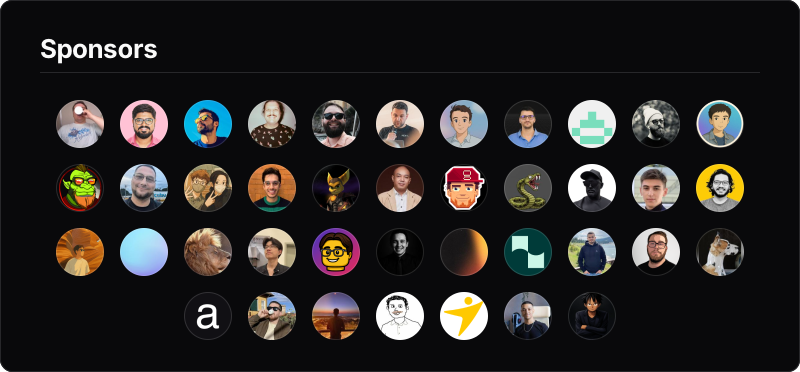The grid has a "Sponsors" heading by default. Override it with title=..., or
hide it with title=false. Color controls:
bg — a solid background color (hex without #), or transparent to blend
into the page.accent — the color of the hairline rule under the title (hex without #).The card uses the same premade background system as headers —
so it's just as customizable. Set a preset with ?preset=:
| Preset | Description |
|---|---|
surface | Clean flat zinc surface. The default. |
gradient | Subtle neutral vertical gradient. |
dots | Dot grid over the surface. |
grid | Line grid over the surface. |
graph | Fine and coarse graph paper. |
glow | Soft themed spotlight from the top. |
transparent | No surface fill — blends into the page. |
glow preset, blue theme
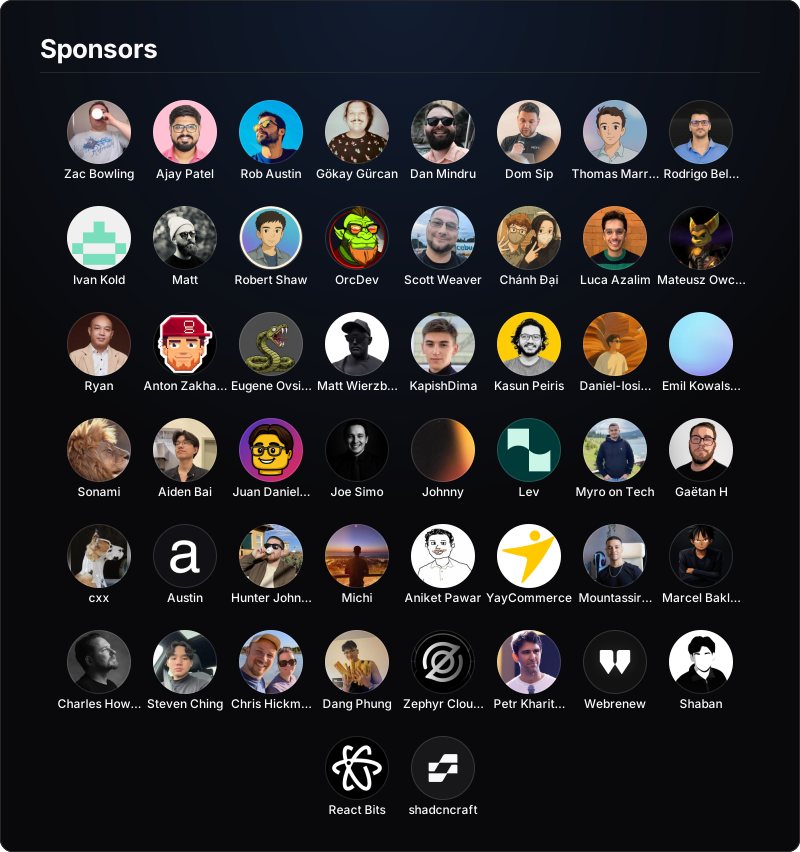For full control, override the background directly:
theme — tints the glow/accent: zinc, slate, blue, green, rose,
orange, violet, purple, cyan, emerald.gradient — comma-separated hex stops with an optional trailing angle, e.g.
gradient=7c2d12,9f1239,86198f,135.pattern — dots, grid, graph, or none.glow — the spotlight color (hex without #).bg — a solid color (hex without #), or transparent.image — a background photo (Unsplash or any image URL), inlined behind an
auto scrim; tune it with overlay (0–1) and tint.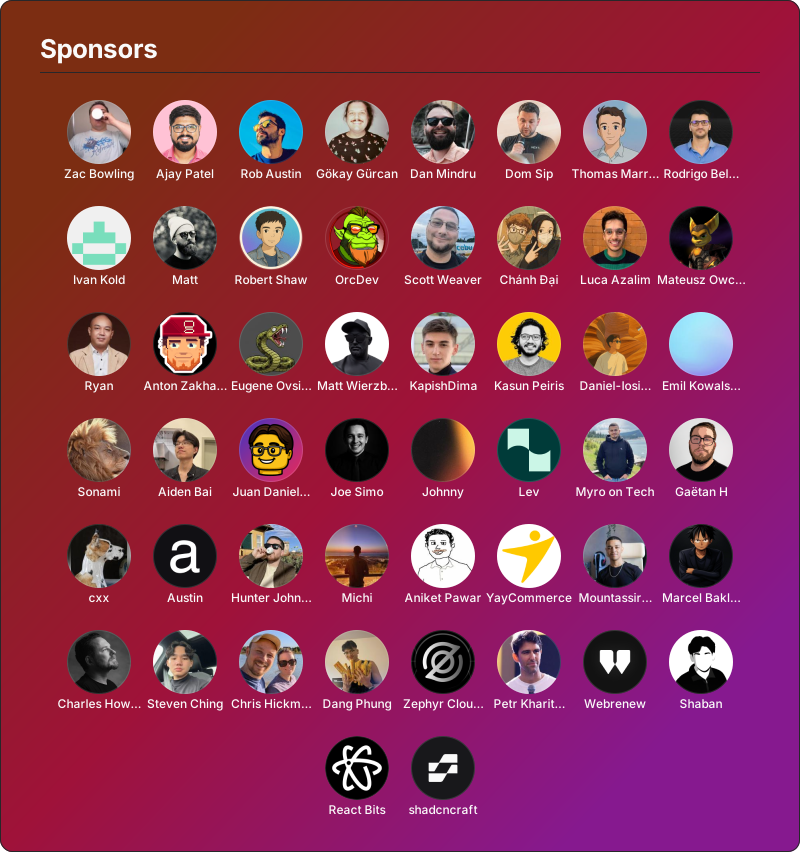The grid reads correctly in both modes. Pass mode=light or mode=dark, or
pair two images in a <picture> element so it follows the reader's GitHub
theme. See Light & Dark Mode.
In addition to the shared mode and font parameters from the
API reference:
| Parameter | Values | Default |
|---|---|---|
featured | true, false | true (auto featured tier) |
special | comma-separated logins | auto (Featured sponsors) |
backers | comma-separated logins | — |
specialTitle | string | Featured Sponsors / Special Sponsors |
sponsorsTitle | string | Sponsors |
backersTitle | string | Backers |
tiers | subset of featured,sponsors,backers | all |
separator | label, line, none | label |
separatorColor | hex without # | border |
titleAlign | left, center, right | left |
align | left, center, right (avatars) | center |
title | string, or false | Sponsors |
size | 32–140 (px) | 64 |
width | 320–2000 (px) | 800 |
limit | 1–80 | 60 |
names | true, false | true |
preset | surface, gradient, dots, grid, graph, glow, transparent | surface |
theme | zinc, slate, blue, green, rose, orange, violet, purple, cyan, emerald | — |
bg | hex without #, or transparent | card surface |
gradient | comma-separated hex stops, optional trailing angle | — |
pattern | dots, grid, graph, none | preset |
glow | hex without # | per preset |
image | Unsplash / image URL, or data: URI | — |
overlay | 0–1 | 0.45 |
tint | hex without # | 000000 |
accent | hex without # | — |
radius | 0–80 (px) | 12 |
border | true, false | true |
watermark | true, false | false |
mode | dark, light | dark |
Only public sponsors are ever shown. Sponsor data comes from one of two sources:
github.com/sponsors/{login}. This
needs no token but GitHub caps that page at ~50 sponsors and exposes logins
only (no display names), so large accounts are truncated.The featured tier is always read from the public page (token-free). Avatars are fetched once and inlined into the image, and the list is cached for 30 minutes (serving the last-known-good list during any GitHub outage). Accounts without GitHub Sponsors enabled render an empty-state message.
Self-hosters can set a read:user token via SPONSORS_GITHUB_TOKEN to get the
full GraphQL list instead of the ~50-capped public-page fallback.